

Dictionary, Thesaurus & Rhyme Book
Look up definitions, synonyms, antonyms, pronunciations, and perfect rhymes in one click.
A Sanctuary for Your Thoughts
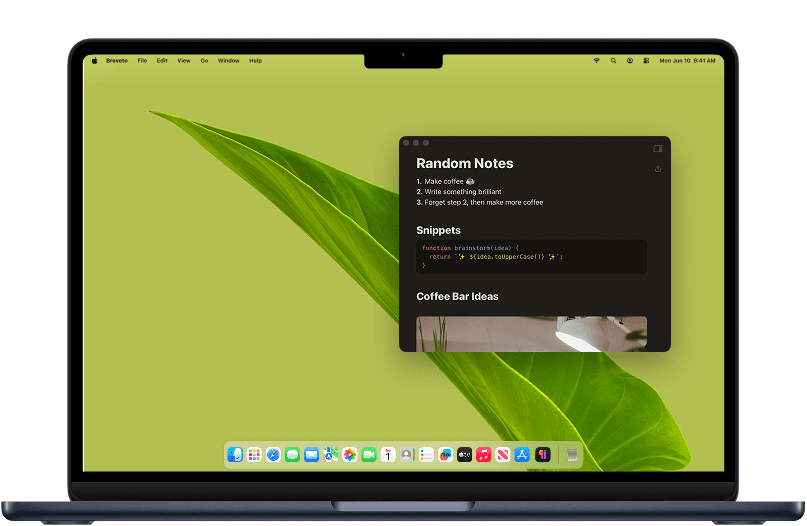
Breveto is a home for your notes, ideas, stories, and everything in between.
Free to try · Mac, iPhone & iPad
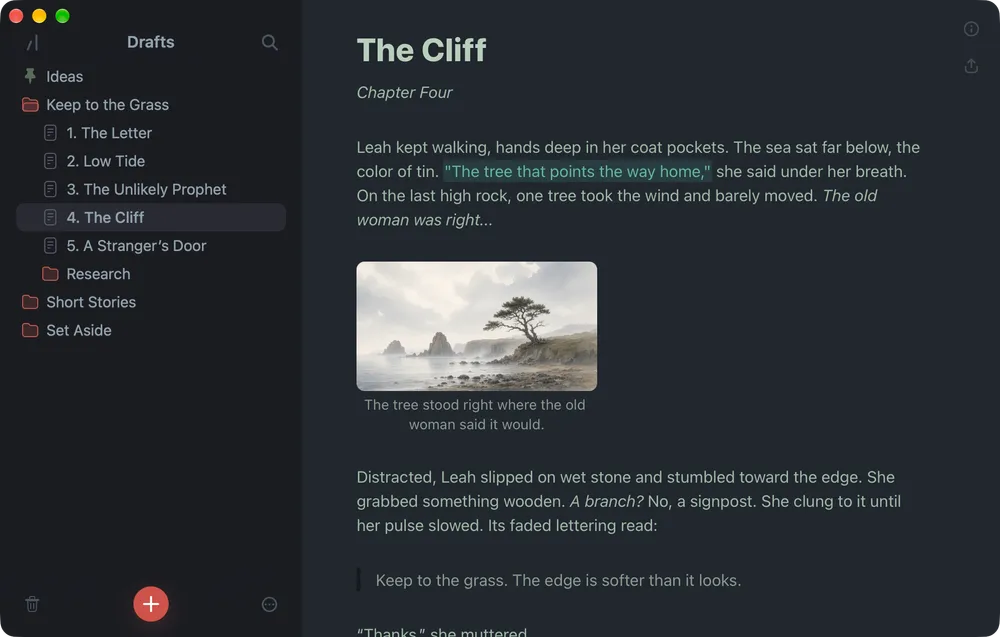
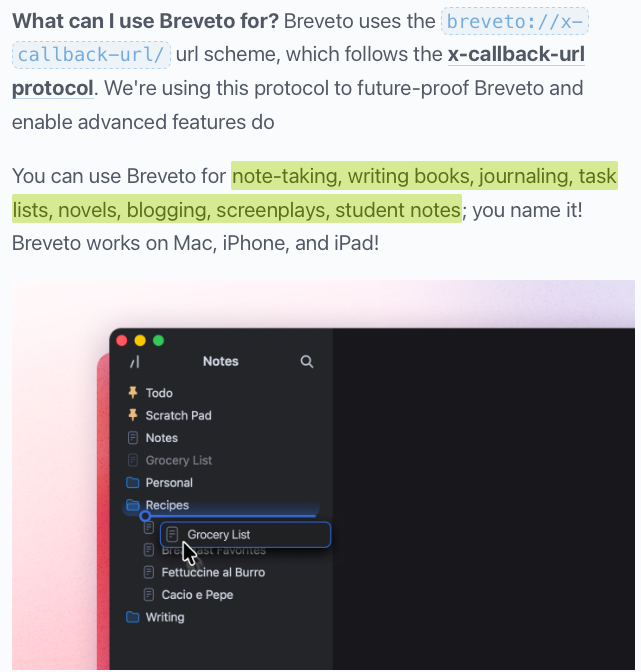
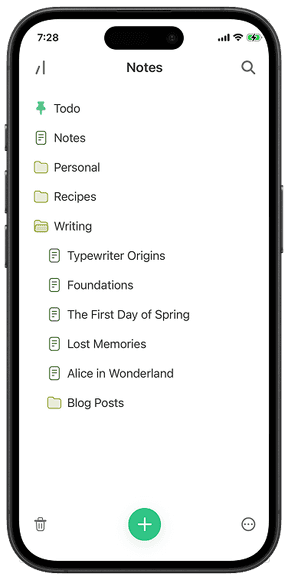
Drag, drop, and organize your files with Breveto's sidebar. Everything stays exactly where you left it, so older files never get buried in a sea of new ones.

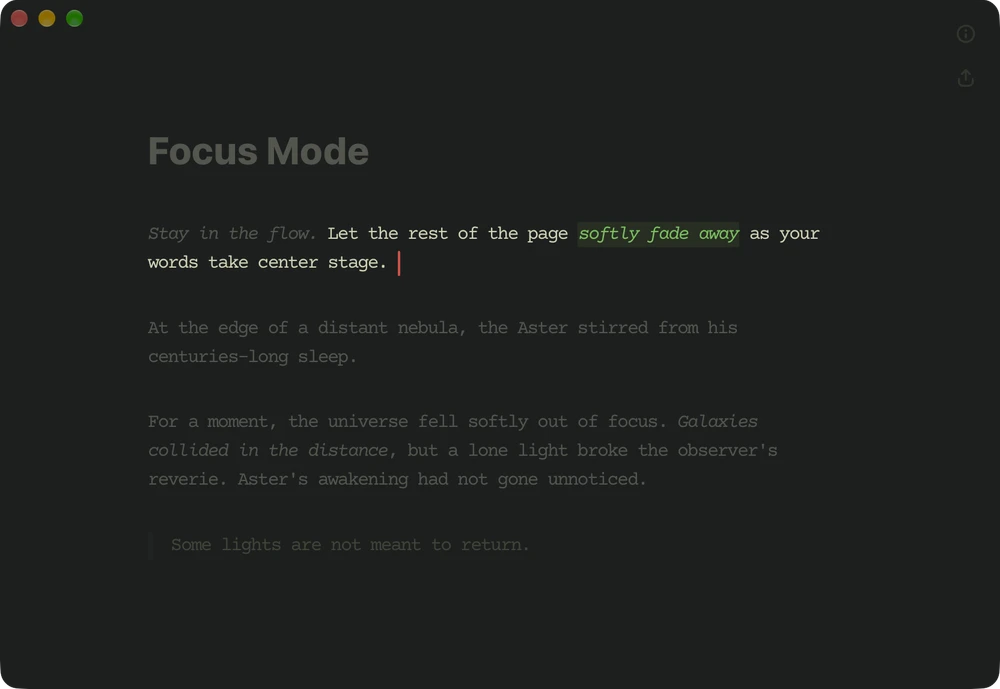
Every detail of Breveto's minimalist editor is designed to get out of your way, make writing a joy, and keep you focused on your words.
Writing Tools
All the writing tools you need to sharpen your prose live right inside the editor, so you never have to leave your work to look up a word.
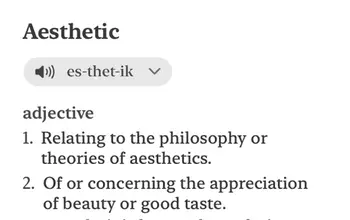
Look up definitions, synonyms, antonyms, pronunciations, and perfect rhymes in one click.
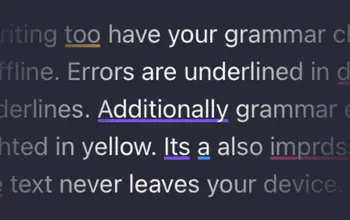
Catch typos, punctuation slips, and grammar issues as you write. Your text never leaves your device, and it works without internet.
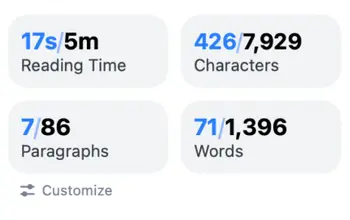
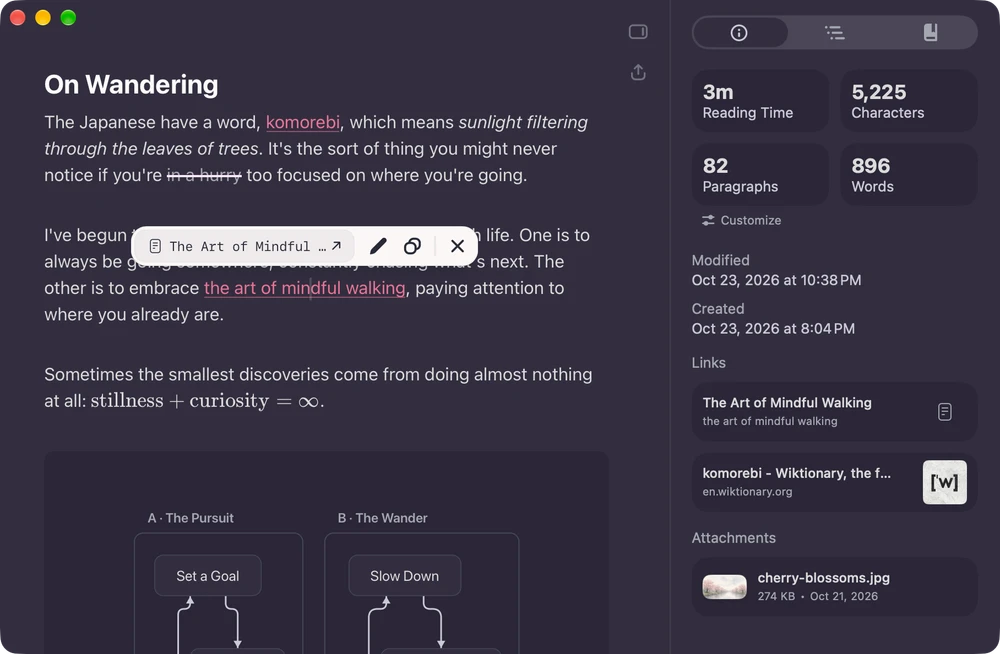
See word count, characters, sentences, and reading time for your whole document or just your selection. Pin stats you care about so they're always in view.
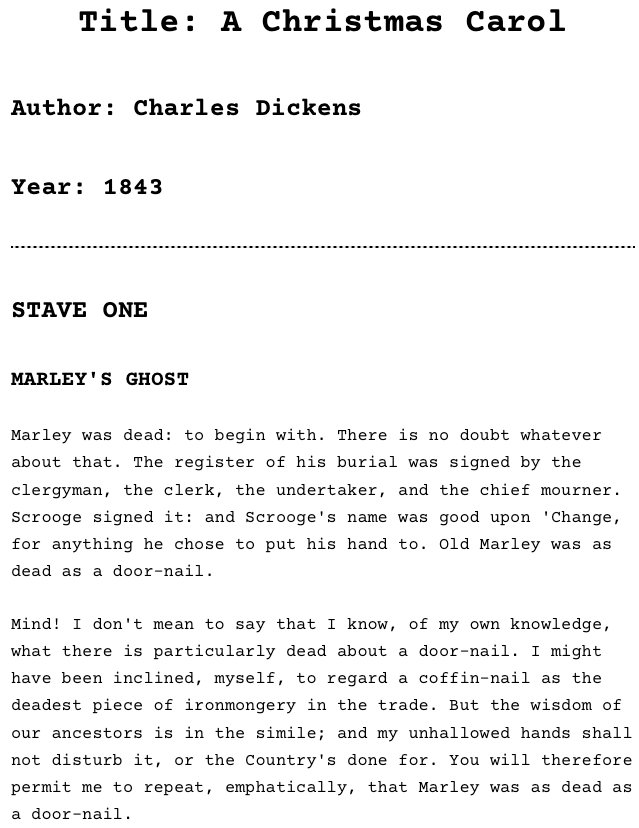
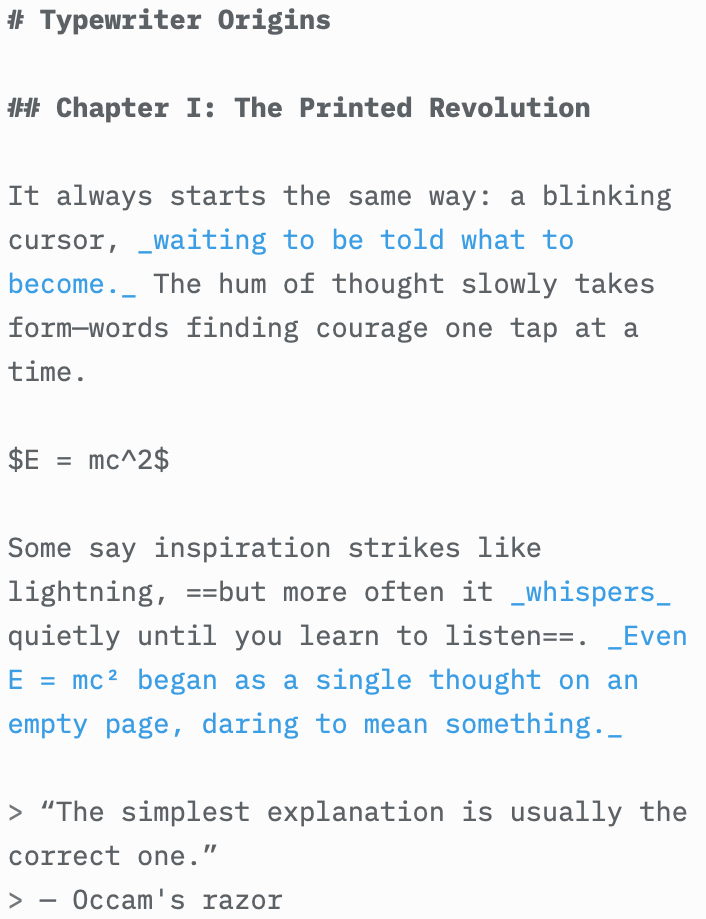
Nobody wants to proofread symbols. Breveto gives you the speed of Markdown formatting in a clean rich-text editor.
Format documents on the fly using standard Markdown syntax without lifting your hands from the keyboard.
Copy any selection as clean Markdown, or paste Markdown from anywhere with things like tables, checklists, and links intact.
Drag a folder of Markdown files into the sidebar, or export your whole library as Markdown or TextBundle anytime.
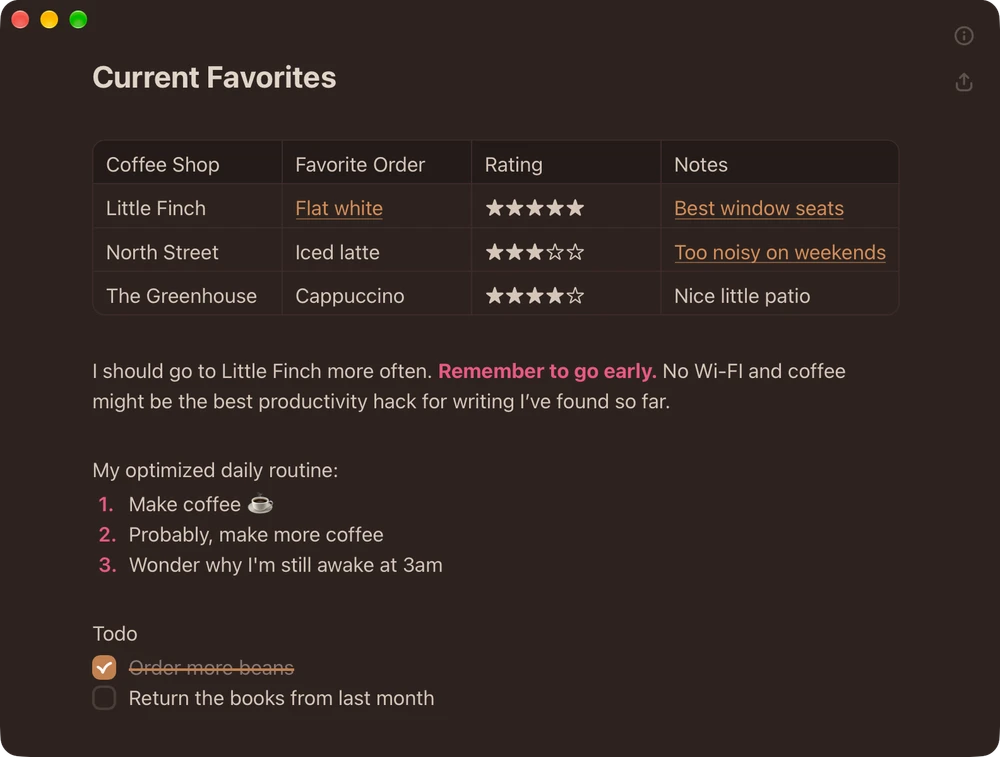
Don't let the minimal design fool you. Breveto gives you everything you need to create polished documents.
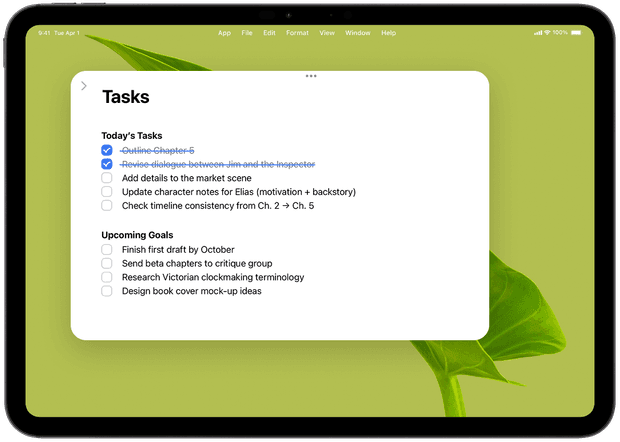
Stay organized with to-do lists, drag and drop to reorder tasks, and automatically sort completed items to the top or bottom.
Write mathematical equations and formulas using LaTeX notation inline or as a block.
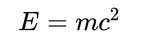
Add captions to images, tables, diagrams, math, and code blocks, or customize image alt text so your work is publish-ready.
Make key passages stand out with the highlighter.
Drop PDFs, images, or any other file directly into your document.
 Trail Map.pdf298 KB
Add code blocks to your notes with support for numerous programming languages.
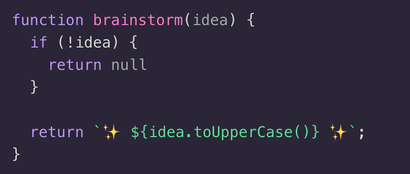
Add tables to your notes, rearrange rows and columns, and copy them as Markdown or CSV.
| Chapter | Words | Status |
|---|---|---|
| Opening | 1,240 | Done |
| Middle | 4,850 | Draft |
| Ending | — | Outline |
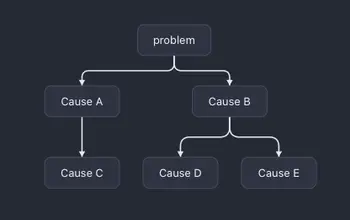
Create beautifully rendered flowcharts, sequence diagrams, bar charts, and more directly inside your document using simple Mermaid syntax.
Export single notes, folders, or entire projects to Markdown, TextBundle, Microsoft Word (.docx), PDF, HTML, Rich Text, or Plain Text.
Print your files in beautiful styles and save them as PDFs.
Enjoy peace of mind with automatic backups of your work.
Breveto carries your library wherever you go. Your files sync privately through iCloud without conflicts, and Breveto is local-first so you can write offline anytime.
Designed to Be Beautiful, and Yours to Customize
Your words are personal. Your workspace should be too. Make Breveto your own with stunning themes, typography, and shortcuts, or build a theme from scratch.
Remap every shortcut to fit your workflow. Breveto is built for power users, letting you navigate almost everything with just your keyboard.
Choose a theme you love, change any color you want, and share it with friends!
Tailor every detail of your writing space, from fonts, line height, and page width, right down to the animation of your cursor.
Built for People Who Live in Their Notes
Link ideas as you write, jump to any file or heading, or search for anything. Breveto is a writing app and a personal knowledge base in one.
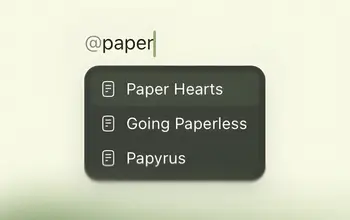
Type @ or [[ to link to another document, or copy deep links to reference notes from other apps.
Press ⌘O and you're anywhere in your library in a few keystrokes, no matter how many files you have.
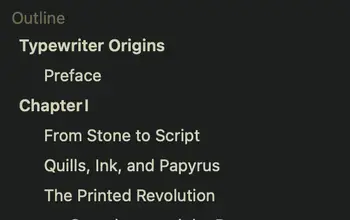
See your whole document at a glance. Your headings become a clickable outline so you can navigate to any section instantly.
Try Breveto for Free
7-day free trial · Mac, iPhone & iPad
4.6 ★ on the App Store
You can try Breveto completely free for 7 days with every feature unlocked. A single plan unlocks Breveto across your Mac, iPhone, and iPad, with no separate purchases required for each device.
No, your files always belong to you. If you ever decide to cancel, Breveto enters read-only mode. You can still open, search, and export all of your notes to any format.
Yes, Breveto is a local-first, offline writing app. Your notes are stored on your device and work anywhere, even without an internet connection. When you're online, your library syncs automatically across your devices through your personal iCloud account.
Your notes are completely private. They only live on your devices and in your encrypted iCloud account, so we can never view or access them. Even Breveto's grammar checker runs entirely on your device. When you use online features like the dictionary, the text you look up is never stored on our servers.
Yes! You can drag and drop Markdown files, folders, TextBundles, HTML, Rich Text, or plain text files right into Breveto's sidebar and keep your folder structure intact.
Have more questions? Read the full FAQ or contact us .